INT8 Quantization: What the Numbers Actually Mean
1. Quick-look, “in a nutshell”
You run a model in INT8 and it is 30% faster than FP32. You run the same model in INT8 with a different framework — same hardware, same batch size — and it is 2% faster. You run it again with a different calibration dataset and the accuracy drops by 4 points. Quantization is not one thing.
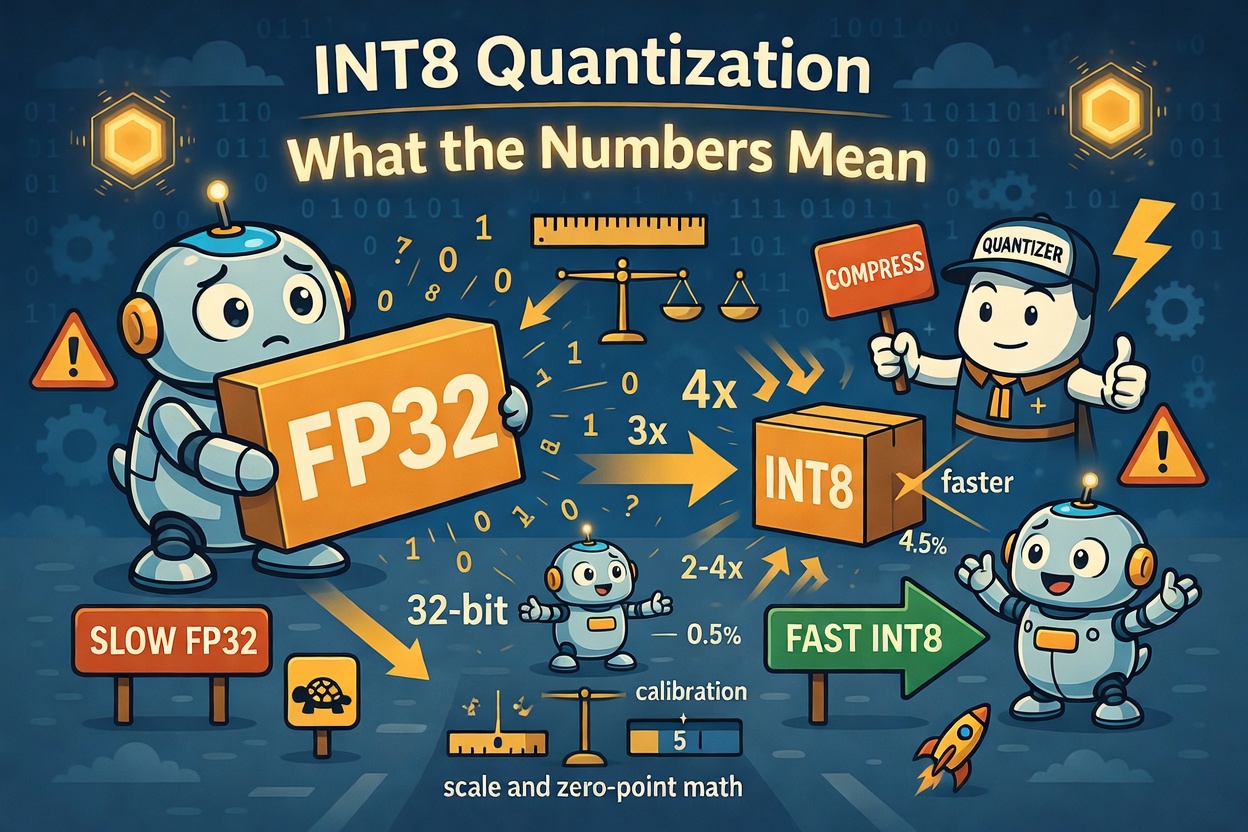
INT8 quantization is the process of representing model weights and/or activations using 8-bit integers instead of 32- or 16-bit floating-point values. Done correctly, it delivers:
- 4× memory reduction vs. FP32 (32 bits → 8 bits per value)
- 2–4× inference throughput on hardware with INT8 tensor cores (NVIDIA T4, A10G, most mobile NPUs)
- Accuracy within 0.5–1% of FP32 on most standard benchmarks, for models above ~100M parameters
Done incorrectly — wrong calibration, wrong granularity, wrong framework path — you get most of the accuracy loss with little of the speed gain.
2. The two things quantization does
Quantization maps floating-point values to integers using a scale and a zero-point:
x_int = round(x_float / scale) + zero_point
x_float ≈ (x_int - zero_point) × scale
The scale and zero-point are the parameters you are computing when you “calibrate” a model. Everything else — symmetric vs. asymmetric, per-tensor vs. per-channel, PTQ vs. QAT — is a choice about how and where those parameters are calculated.
3. Symmetric vs. asymmetric quantization
Symmetric
The quantization range is centred at zero. Zero-point is always 0:
x_int = round(x_float / scale)
scale = max(|x|) / 127
Values map to the range [-127, 127]. The zero-point is implicit, so dequantization is a single multiply — fast on hardware.
Symmetric works well for weights, which are typically zero-centred after training with weight decay.
Asymmetric
The range is shifted to fit the actual distribution:
x_int = round(x_float / scale) + zero_point
scale = (max(x) - min(x)) / 255
zero_point = round(-min(x) / scale)
Values map to [0, 255]. Dequantization requires both a multiply and a subtract, but the range adapts to the actual data — crucial for activations like ReLU outputs, which are always non-negative and have a mean far from zero.
| Symmetric | Asymmetric | |
|---|---|---|
| Zero-point | Always 0 | Non-zero |
| Range | [-127, 127] | [0, 255] |
| Best for | Weights | Activations |
| Hardware cost | Lower (one op) | Higher (two ops) |
| Accuracy on skewed data | Lower | Higher |
4. Per-tensor vs. per-channel quantization
This is where most accuracy-vs-speed trade-offs live.
Per-tensor quantization uses a single scale and zero-point for an entire weight matrix or activation tensor. Fast to compute, fast at runtime — but if some channels have much larger values than others (common in deeper layers), the scale is dominated by the outliers and small-magnitude channels lose precision.
Per-channel quantization computes a separate scale per output channel (for weights) or per token/feature (for activations). Each channel gets its own range, so outlier channels do not distort the rest.
Per-tensor:
┌──────────────────────────────────────┐
│  scale = 0.042 (for entire matrix)   │
│  [W₀₀  W₀₁  W₀₂  ...  W₀ₙ]         │
│  [W₁₀  W₁₁  W₁₂  ...  W₁ₙ]         │
└──────────────────────────────────────┘

Per-channel:
┌─────────────────────────────────────────────────┐
│  scale₀ = 0.003 → [W₀₀  W₀₁  W₀₂  ...  W₀ₙ]  │
│  scale₁ = 0.091 → [W₁₀  W₁₁  W₁₂  ...  W₁ₙ]  │
│  scale₂ = 0.017 → [W₂₀  W₂₁  W₂₂  ...  W₂ₙ]  │
└─────────────────────────────────────────────────┘
Per-channel quantization is standard for weights in production systems. The accuracy gain over per-tensor is typically 0.5–3% on classification tasks, and can be much larger on models with high channel-to-channel variance (transformers, ResNets with skip connections).
For activations, per-channel (or per-token in transformer terminology) is harder — you don’t know the channel values at quantization time, so you need to calibrate dynamically or use statistics from a representative dataset.
5. Post-Training Quantization (PTQ) vs. Quantization-Aware Training (QAT)
PTQ: quantize after training
You take a trained FP32 model and quantize it directly, using a small calibration dataset (typically 100–1000 samples) to measure the activation distributions.
FP32 model → calibration run → compute scales → INT8 model
PTQ is the default approach for most deployments. It requires no retraining and works well on models with >100M parameters. The main risk is outlier activations — a small number of channels with very large values — which inflate the scale and waste precision for all other channels. LLMs are particularly prone to this (see SmoothQuant and GPTQ for solutions).
QAT: quantize during training
You simulate quantization during the forward pass using “fake quantize” nodes, then train (or fine-tune) the model so its weights adapt to quantization error.
FP32 model → insert fake-quantize ops → fine-tune → remove fake-quantize → INT8 model
QAT recovers 1–3% accuracy over PTQ on small models, and can push accuracy essentially to FP32 parity on models below ~50M parameters. The cost is retraining time — typically 10–20% of the original training compute.
| PTQ | QAT | |
|---|---|---|
| Requires retraining | No | Yes (fine-tune) |
| Calibration data needed | 100–1000 samples | Full training set |
| Accuracy recovery | Good for large models | Better for small models |
| Time to INT8 model | Minutes | Hours to days |
| Typical use case | LLMs, ViTs, ResNets | MobileNets, small CNNs |
6. The calibration dataset matters more than you think
For PTQ, the calibration dataset determines the activation statistics — and therefore the scales. A calibration set that does not represent your production input distribution will produce scales that clip real inputs or waste range on values you never see.
Rules of thumb:
- Use 128–512 samples from your actual production traffic, not the validation set
- For NLP models, include samples of varied lengths — short sequences have different activation statistics than long ones
- For vision models, include samples across your brightness/contrast range
- Run calibration with
batch_size=1if your model’s activations vary significantly with batch size
The difference between a well-chosen and a poorly-chosen calibration set can be 1–3% accuracy on a difficult task.
7. Software paths that actually use INT8
Not all “INT8 inference” paths use INT8 arithmetic end-to-end. Some frameworks quantize weights but dequantize to FP32 before matrix multiplies — giving you the memory bandwidth savings but not the compute savings.
| Framework | True INT8 compute | Notes |
|---|---|---|
| TensorRT | Yes | Requires explicit INT8 calibration; best throughput on NVIDIA |
| ONNX Runtime (CUDA EP) | Yes (with TensorRT provider) | Fallback to FP32 without it |
| ONNX Runtime (CPU EP) | Yes | Uses VNNI/NEON INT8 paths |
torch.ao.quantization | Yes (CPU); partial (CUDA) | CUDA INT8 is less mature |
| llama.cpp | Yes | Highly optimised for CPU INT8/INT4 |
| CoreML | Yes | Optimised for Apple Neural Engine |
On NVIDIA hardware, TensorRT is the reference path for true INT8 throughput. On CPU, ONNX Runtime with the CPU execution provider uses AVX-512 VNNI (on Intel) or NEON (on ARM) for genuine INT8 matrix multiply.
8. A worked example: quantizing a ResNet-50
import torch
from torchvision.models import resnet50
from torch.ao.quantization import get_default_qconfig, prepare, convert

model = resnet50(pretrained=True).eval()

# Step 1: Set quantization config (symmetric weights, asymmetric activations)
model.qconfig = get_default_qconfig('x86')  # or 'arm' for mobile

# Step 2: Insert observer nodes
model_prepared = prepare(model)

# Step 3: Calibration run (use your representative data)
with torch.no_grad():
    for images, _ in calibration_loader:
        model_prepared(images)

# Step 4: Convert to INT8
model_int8 = convert(model_prepared)

# model_int8 is now a fully INT8 model
torch.save(model_int8.state_dict(), 'resnet50_int8.pt')
The qconfig encodes the symmetric/asymmetric choice and the per-channel vs. per-tensor decision. 'x86' selects per-channel symmetric for weights and per-tensor asymmetric for activations — the configuration that maximises accuracy on x86 hardware with VNNI support.
9. Quick-look summary
| Decision | Common choice | When to deviate |
|---|---|---|
| Symmetric vs. asymmetric | Symmetric for weights, asymmetric for activations | Always |
| Granularity | Per-channel for weights | Per-tensor if latency budget is very tight |
| PTQ vs. QAT | PTQ for models >100M params | QAT if PTQ accuracy loss is >1% |
| Calibration size | 128–512 samples | More if task is distribution-sensitive |
| Framework | TensorRT (GPU) / ONNX Runtime (CPU) | Framework-native if TRT adds too much complexity |
INT8 quantization is not a checkbox — it is a pipeline with four or five decisions, each of which affects both accuracy and throughput. The good news is that for most models above a few hundred million parameters, the default choices (per-channel weights, asymmetric activations, PTQ with a small calibration set) get you within 1% of FP32 accuracy and 2–4× the throughput. The bad news is that the defaults are different in every framework, and none of them tell you this clearly.